

























Is Google Forms the Right Tool for Office Annual Party Registrations?
Organising your office's annual party is a big responsibility. From collecting RSVPs to gathering food preferences and managing invites, everything has to be handled smoothly. One of the most common tools used by HR teams and office managers is Google Forms for event registration and for good reason.

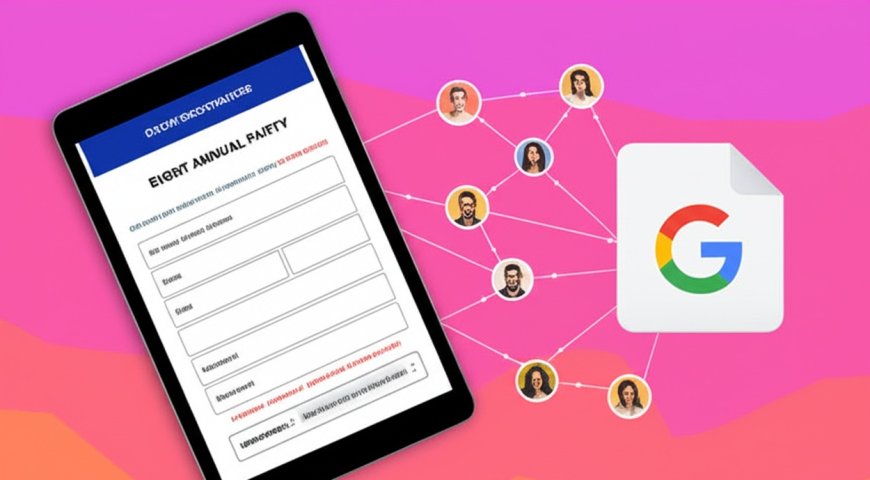
Organising your office's annual party is a big responsibility. From collecting RSVPs to gathering food preferences and managing invites, everything has to be handled smoothly. One of the most common tools used by HR teams and office managers is Google Forms for event registration and for good reason.
Its free, simple, and familiar to most people. But while it works great for basic events, does it really meet all the needs of a corporate annual celebration?
Lets take a closer look at how Google Forms event registration performs when used for office events like an annual party, what it does well and where it might fall short.
Why Is Google Forms Popular for Office Party Registrations?
1. Easy to Set Up and Use
You dont need to be a tech expert to create a Google event registration form. In just a few clicks, you can set up your form, add fields like name, email, meal preference, and even include a question about song requests or games.
Its simple and perfect for people who just want to collect basic information without spending hours on setup.
2. Completely Free
Budget is always a concern when planning office events. With event registration Google Forms, theres no cost involved. You dont need to buy any software or register for paid platforms. For small teams or budget-friendly companies, this is a big win.
3. Collects All Responses in One Place
All the answers submitted through the form are saved automatically in a connected Google Sheet. This makes it easy for HR teams or organisers to view and download the list of attendees.
4. Customisable Fields
Google Forms for event registration allows you to add many types of questions. From dropdown menus to multiple choice questions and short answers, you can customise your form based on your partys needs.
Want to know if employees will bring a guest? Or who has dietary restrictions? You can add those questions easily.
5. Shareable Anywhere
The form link can be shared on WhatsApp, email, or internal office platforms like Slack or Microsoft Teams. Theres no need to install anything. This helps in getting responses from all employees quickly.
6. Collects Unlimited Responses
Whether your office has 30 or 300 employees, Google Forms event registration doesnt limit how many people can fill out the form.
7. Great for Simple Events
If your annual party is casual like a potluck or small get-together, Google Forms can handle the basic work. It gives you a clean list of attendees and lets you ask the right questions to plan food, seating, or fun activities.
But What About When Your Party Gets Bigger?
All of the above benefits are true and they make Google Forms for event registration a popular choice. However, as office events become more organized and experience-focused, this tool starts showing its limits.
For example, a formal annual party with hired entertainment, ticketed entry, sponsors, or a theme night might need more than just a form.
The Limitations of Google Forms for Annual Party Events
1. No Payment or Ticket Options
If your office party has a ticket price (even a small one), Google Forms event registration cant handle payments directly. Youd have to ask people to pay through another method and track it manually which is time-consuming and confusing.
2. No Confirmation Emails or Reminders
Google Forms doesnt send proper confirmation emails or event reminders unless you use extra tools or coding. This means people might forget about the event, miss details, or wonder if their form was submitted at all.
Professional event registration platforms send instant confirmations and automatic reminders, making everything smoother.
3. No Guest Verification
If youre collecting RSVPs with guests, theres no way to stop someone from filling the form multiple times or adding fake names. Google Forms doesnt verify whos filling it.
This is risky for office parties where you might need to limit guest entries or track whos bringing someone along.
4. No feature for on-site check-in
There is no way to use the Google event registration form to check people in at the party. You would be forced to manually check off people on a spreadsheet or printed list.
That may work for small events, but for bigger parties with lots of people, music, and dim lights, this system becomes messy and slow.
5. No Branding or Personal Touch
Your offices annual party is a chance to celebrate company culture. But Google Forms event registration looks very plain. You cant add company branding, event logos, or fun visuals that match your partys vibe.
A party invite should feel exciting and personal Google Forms just doesnt create that experience.
Final Thoughts
Using Google Forms for event registration is great when your office party is small, casual, and simple. It helps collect names, preferences, and responses quickly all without spending money. For these kinds of events, it absolutely works.
But when your annual party becomes more professional, bigger, or more formal Google Forms starts to fall behind. From not handling payments and confirmations to offering no check-in or branding options, it lacks the features that make an event feel polished and organised.
So, if your office annual party is growing every year, or you want to create a more memorable experience for your team, it might be time to move beyond Google Forms. A dedicated event registration platform can give your event that extra touch of class and control without the stress.